
Cannon County Court Docket Search
Cannon County Court Docket records are centered in Woodbury, where the county clerk and court offices keep the public trail for Circuit Court and General Sessions cases. That means the search is simple once you know the county and the court type. If you are checking a filing, looking for a docket line, or asking for a copy, the county site and Tennessee Case Finder are the main tools. Cannon County does not need a lot of guesswork. Start with the court, then use the clerk, and the docket trail becomes much easier to follow.
Cannon County Quick Facts
Cannon County Court Docket Access
The county government site at cannoncountytn.gov is the local start point for a Cannon County Court Docket search. The County Clerk office is at 200 West Main Street, Woodbury, TN 37190, and Lana Jones serves as county clerk. Office hours are Monday through Friday from 8:00 AM to 4:00 PM. If you need a file, a docket note, or a case look-up, that office is the most direct local contact.
Cannon County is a good fit for a clean docket search because the court structure is not crowded. The county uses Circuit Court and General Sessions Court, so the search path is shorter than in some other Tennessee counties. That does not change the need to check the right office. It only means you can move from county site to case finder with less backtracking. When you know the court, the docket search gets tight and fast.
The Tennessee courts site at tncourts.gov shows the broader court system that sits behind Cannon County records. It is useful when you need to confirm how the county office fits into the state court map. The clerk directory on the same site also helps you check the office before you call or visit.
The county website at cannoncountytn.gov is the source linked to this Cannon County image and the best local place to begin a docket search.
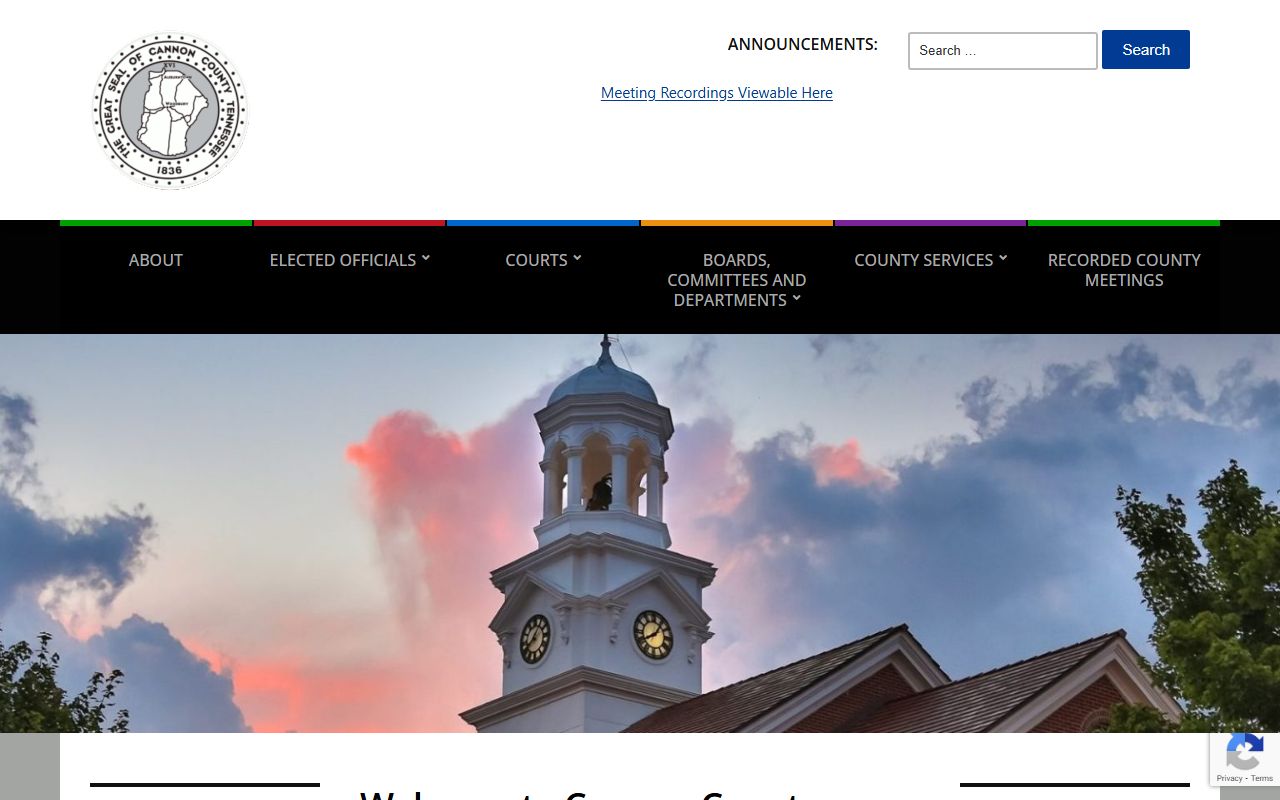
That county view points you toward the office that keeps the file in Woodbury. It is the right bridge between the online search and the paper record.
Cannon County Court Docket Search Tools
The main online search tool for current Cannon County Court Docket entries is Tennessee Case Finder at tncrtinfo.com/Cannon. It covers Circuit Court and General Sessions records from August 1, 2019 forward. Search by party name or case number, then use the result to decide if you need the county clerk for a copy or a deeper review. Confidential matters stay out of the public portal, so the tool is useful but not complete.
That search path works best when you start narrow. A party name will often get you close, and a case number will get you even closer. If the result list is too wide, switch to the filing year or a second party name. Cannon County Court Docket searches are easier when you treat the public portal as a first pass and the clerk office as the second.
- Search by name first.
- Use the case number when it is known.
- Check the year to narrow the list.
- Call the clerk if the portal leaves a gap.
Note: Tennessee Case Finder shows public records only, so a sealed or excluded Cannon County matter will not appear online.
Cannon County Court Docket Records
Cannon County Court Docket records usually show the basic track of a case: filing dates, party names, court dates, and status notes. Circuit Court handles the broader civil and criminal work. General Sessions Court handles lower-level criminal matters, traffic issues, and civil cases within its limit. That means the docket trail can be short, but it still tells you where the case is and what happened next.
When you need a copy, Tennessee public records law gives the framework. Under T.C.A. § 10-7-503, public records are open during business hours unless another law says otherwise. The Tennessee Comptroller’s Open Records Counsel gives fee guidance that counties can use as a baseline. That means the docket search can end with either a simple view or a copy request, depending on what you need.
For most people, the county office is still the best place to ask if a docket sheet, order, or full file is available. The clerk can tell you whether the record is current, archived, or only partly public. That is the practical side of a Cannon County Court Docket search.
Cannon County Court Docket History
Older Cannon County Court Docket records may live at the Tennessee State Library and Archives rather than online. The court-record FAQ at sos.tn.gov/tsla/faqs/how-do-i-find-court-records explains how Tennessee court minutes and archived case material are stored and searched. That is useful when a Cannon County case is older than the online portal or when the local office points you to the state archive.
Archived court records matter because they keep the older docket trail alive. If the case came from a paper era, it may not show up in Case Finder at all. TSLA gives you another route. In Cannon County, that can be the difference between a dead end and a usable history.
That is also why it helps to know the court type before you start. The older the file, the more likely the records are split between the local clerk and the state archive. Cannon County Court Docket research works best when you use both.
Cannon County Court Docket Help
If you need help with a Cannon County Court Docket request, the county clerk office in Woodbury can confirm the local path. A quick phone call can save time, especially if you only have a name and a rough filing year. The county office will know whether the file is active, archived, or better handled by another office.
You can also use the Tennessee court clerk directory at tncourts.gov/courts/court-clerks to confirm the contact path before you go. If the clerk can see the case but the public portal cannot, that is a sign you may need an in-person request. The county and state tools work together well when the case details are thin.