
Rutherford County Court Docket Records Guide
Rutherford County Court Docket records are centered in Murfreesboro and backed by a county court system that includes Circuit Court, Chancery Court, General Sessions Court, and Juvenile Court. That gives the county a deeper record trail than some of the smaller Tennessee counties, so the first search step should always be the right court type. Rutherford County also has a public case lookup page that lets you search by name, case number, citation, or filing date. If you want to confirm a hearing, find the office that holds the file, or check the docket history, this page brings those public paths together in one place.
Rutherford County Court Docket Search
The county government site at rutherfordcountytn.gov is the local anchor for a Rutherford County Court Docket search. Rutherford County also offers a case lookup at rutherfordcountycourts.org, where criminal, civil, traffic, and probate records can be searched by name, case number, citation, or filing date. That broad search tool makes Rutherford one of the easier counties to start in when you know only part of the case information and need to narrow it fast.
The County Clerk is Lisa Duke Crowell at 319 North Maple Street, Suite 121, Murfreesboro, TN 37130, and the phone number is (615) 898-7800. The email is lcrowell@rutherfordcountytn.gov. The Circuit Court Clerk is Melissa Harrell in Room 201 of the Judicial Building at 20 Public Square North, Murfreesboro, TN 37130, and the phone number is (615) 898-7820. Those office details matter because Rutherford County Court Docket records may move between county offices depending on whether the case is civil, criminal, traffic, probate, or family related.
The county image below is linked to the Rutherford County government page at rutherfordcountytn.gov, and the extra court image below it is tied to the county courts lookup at rutherfordcountycourts.org.

That first image fits the clerk-side path for the county. It shows the public route people use when they need the office behind the docket, not just the search page.
The courts lookup gives a second local view of the same county record system.
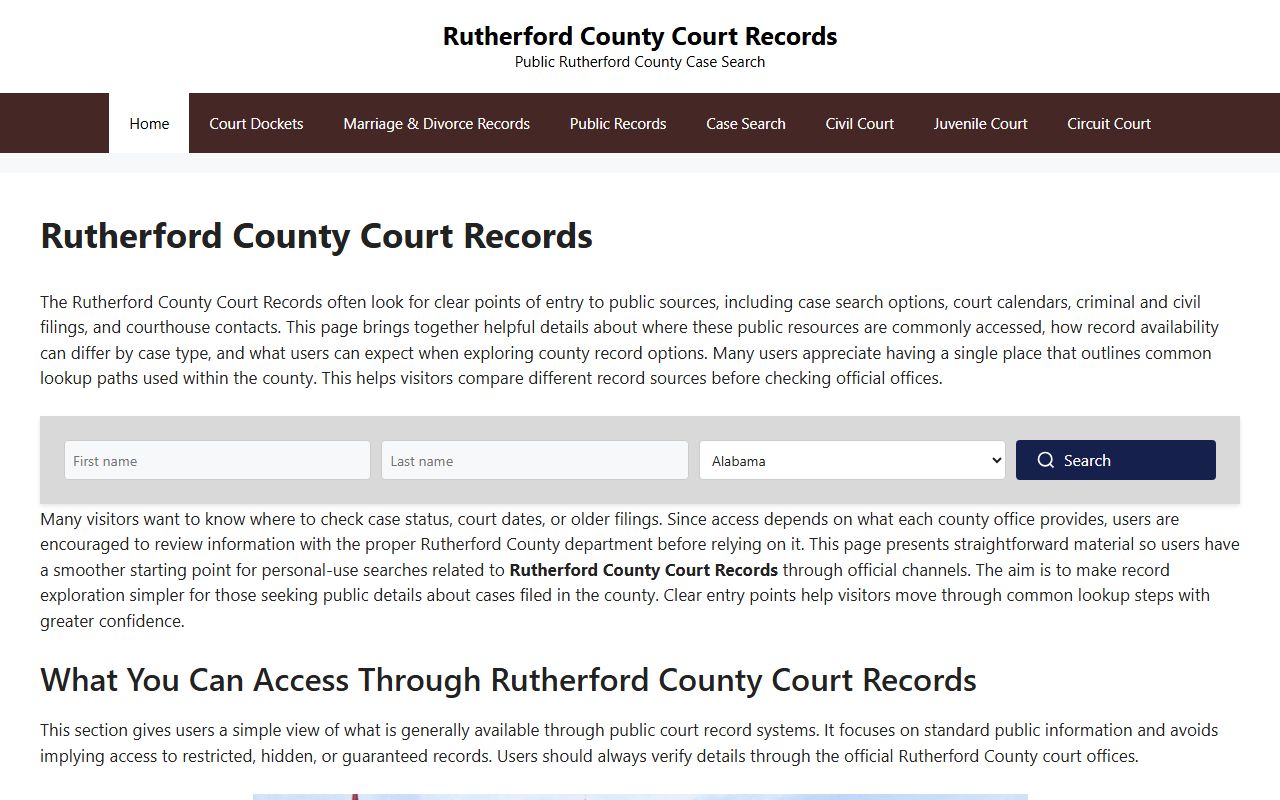
That second image helps show how the online case search fits the day-to-day docket trail in Murfreesboro. It is useful when the public record is online but the office copy still matters.
Rutherford County Court Docket Records
Rutherford County Court Docket records can be searched by a few useful starting points. The county courts lookup lets you search by name, case number, citation, or filing date, which is helpful when you only have part of the record in hand. The online view is good for active cases, but the clerk office still matters when you need the paper file or a certified copy. Since Rutherford County has more than one court branch, the docket line may point to one office while the case file itself lives with another.
The Tennessee court structure page at tncourts.gov/courts explains how Circuit Court, Chancery Court, General Sessions Court, and Juvenile Court fit together. That matters here because Rutherford County Court Docket records may come from different court types even when the case started with the same party names. A civil case, a traffic matter, and a juvenile file do not follow the same path. Once the case type is clear, the rest of the search usually moves faster.
Public access is supported by the state records law at T.C.A. 10-7-503. The Open Records Counsel site gives practical guidance on copy charges and request handling, and the clerk directory at tncourts.gov/courts/court-clerks helps confirm the right office when you are unsure whether the County Clerk or Circuit Court Clerk is the proper contact for a Rutherford County Court Docket file.
Rutherford County Court Docket History
Older Rutherford County Court Docket records may require a different path than the current online lookup. The Tennessee State Library and Archives court-record guide at sos.tn.gov/tsla/faqs/how-do-i-find-court-records is the best statewide resource when a docket is old, archived, or outside the modern search window. TSLA is especially useful for older court minutes and historical files that do not show up in the active public search.
If the case is recent, start with the online lookup first. If it is older, the clerk office may be able to tell you whether the file is still on site or whether you need archive help. Rutherford County has a lot of public activity, so the paper trail can move, but the county offices are still the best place to confirm where the record lives.
Rutherford County Court Docket Help
The easiest Rutherford County Court Docket search path is the local site first, the county courts lookup second, and the clerk office third. That order mirrors the way the record system is built and keeps the search focused on the right court. It also helps when you need to move from a public docket view to a paper copy or certified record request.
If you need to ask for a record, the TPRA FAQ at comptroller.tn.gov says the request should be specific enough for the custodian to identify the record. In Rutherford County, that usually means the party name, the court, the approximate date, and any docket number or filing date you already have. That keeps the request clear and makes it easier for the office to help.