
Search Sequatchie County Court Docket
Sequatchie County Court Docket searches usually begin in Dunlap, where the county clerk and county government point you toward the right record. Sequatchie County uses Tennessee Case Finder for newer Circuit Court and General Sessions records, and older paper files can still matter when the online trail is thin. If you need a recent filing, a docket sheet, or a historical minute entry, the county gives you more than one place to look. This page brings the local tools together so you can move from a name to the right file without wasting time.
Sequatchie County Quick Facts
Sequatchie County Court Docket Basics
The Sequatchie County government site at sequatchiecountytn.gov is the first local stop for courthouse direction and office details. The County Clerk is Lana Waters, and the mailing address is P.O. Box 248, Dunlap, TN 37327. The clerk phone number is (423) 949-2522. That office can help you decide whether the file is in a live system, a paper file, or an older record set that needs another route.
Sequatchie County Court Docket records usually sit in Circuit Court or General Sessions Court. That means the court type matters from the start. Civil cases, criminal matters, and lower-value cases can show up in different places. If you know the year and the party name, use both. If you know the court, even better. A narrow search is faster and gives cleaner results.
For statewide backup, the Tennessee court portal at tncourts.gov and the clerk directory at tncourts.gov/courts/court-clerks help confirm the right office when the county file is old or the local trail is unclear.
Sequatchie County Court Docket Search Tools
The main online search tool for newer Sequatchie County Court Docket entries is Tennessee Case Finder at tncrtinfo.com/Sequatchie. The portal covers Circuit Court and General Sessions records from August 1, 2019 forward. It is searchable by name or case number and is available around the clock. That makes it useful for a quick status check or a recent filing. Confidential matters are excluded, so the public view is useful but not complete.
Searches work best when you keep them tight. Use the exact party name if you have it. Add the year if you know the time frame. Then use the case number if the name search is broad. Sequatchie County Court Docket lookups tend to work better when you search one court type at a time.
If the portal does not give you enough, the clerk office is the right next step. Older files may be in paper form, and the office can tell you whether the county still has the case or whether the state archive should be checked next.
- Search by full name first.
- Add a filing year when possible.
- Use the case number if you know it.
- Ask the clerk about paper files.
Note: Public online results may not show sealed or confidential cases.
Sequatchie County has a clean non-flagged county image in the manifest. The source is the county government page at https://www.sequatchiecountytn.gov/.
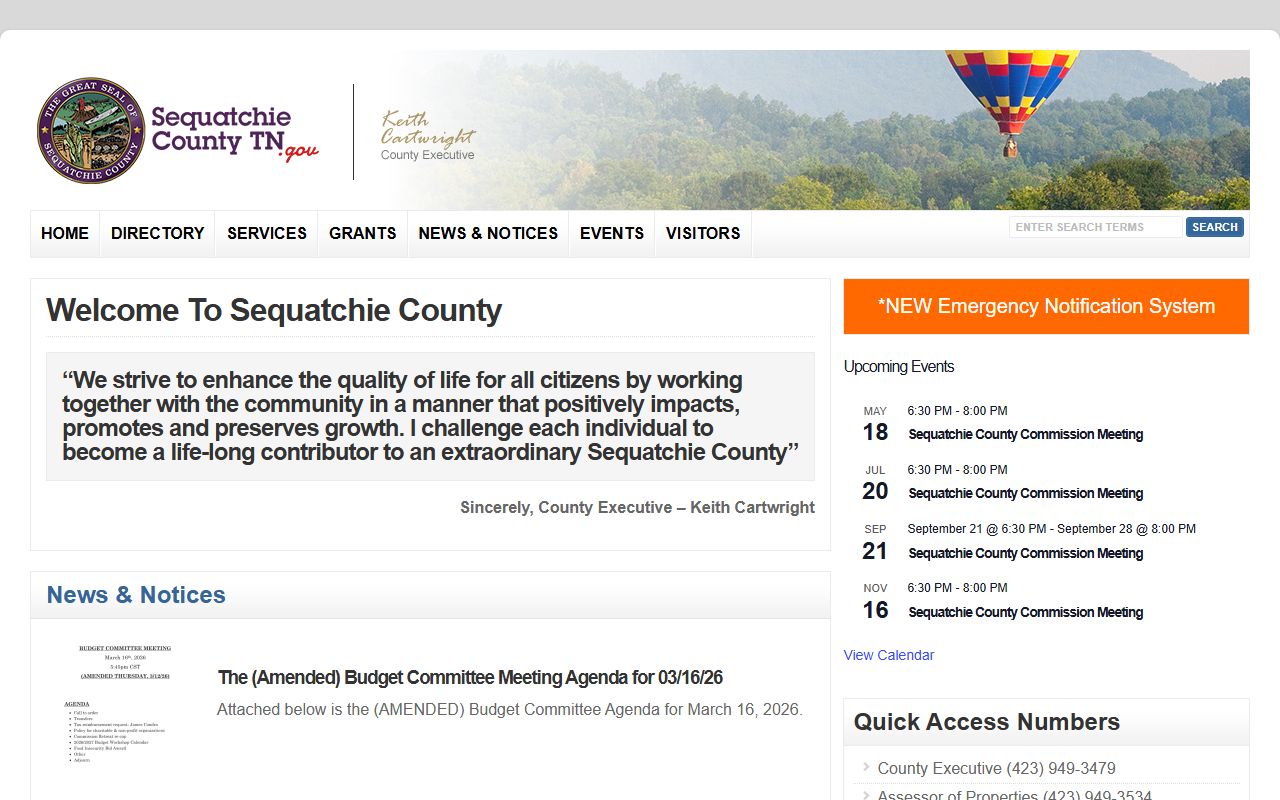
Use the county page as the fast check before you contact Dunlap or ask for a copy.
Sequatchie County Court Docket Records
Sequatchie County Court Docket records can include filing dates, party names, hearing notes, orders, and status changes. Circuit Court handles broad civil and criminal matters. General Sessions Court covers misdemeanors, preliminary hearings, and lower-value civil cases. The exact docket trail depends on the court, but the county office is the place that can tell you where the record lives now.
The main public records rule is T.C.A. 10-7-503. It says public records are open during business hours unless another law limits access. The Tennessee Comptroller's Open Records Counsel explains charge guidance and the need for clear requests. That is useful when you need a copy or a docket search and want to avoid back-and-forth.
The county clerk office can often tell you whether you need a docket sheet, a minute entry, or the full case file. If the record is recent, the portal may be enough. If it is older, the clerk can tell you where to go next. That kind of answer is what turns a general search into a useful Sequatchie County Court Docket request.
Sequatchie County Court Docket History
Older Sequatchie County Court Docket material may be held by the Tennessee State Library and Archives. The TSLA court-record FAQ at sos.tn.gov/tsla/faqs/how-do-i-find-court-records explains how Tennessee court minutes and archive searches work. That matters when the county portal starts too late or when you need a paper trail that the current online search does not show.
Archive research is often the right next step for older matters. A rough date range helps. So does the full name of a party. If the first search does not get you there, move from the county clerk to TSLA. Sequatchie County Court Docket work often follows that route when the file is old enough to be off the web.
Historical records can help with family matters, old civil disputes, and cases where the local file was split into pieces over time. The archive does not replace the county office, but it fills in the gaps when the local trail is thin.
Sequatchie County Court Docket Help
If you need help, the county clerk and the state clerk directory are the best cross-checks. The clerk directory at tncourts.gov/courts/court-clerks helps confirm the office, and the Tennessee Public Records Act FAQ at comptroller.tn.gov explains how specific a request needs to be. That is useful when you are not sure whether you need a docket sheet, a minute entry, or a certified copy.
Keep the request plain. Use the party name, the year, and the court if you know them. Ask whether the office can certify the copy if needed. That is usually enough to move from a broad search to the right Sequatchie County Court Docket record.